
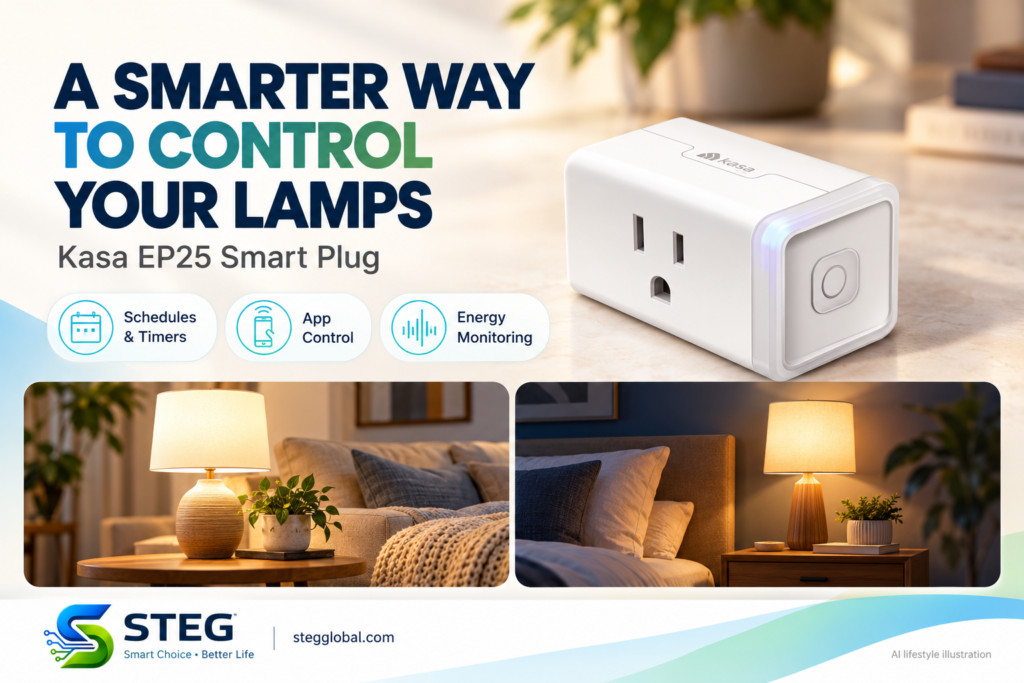
Want your bedside lamp to switch off automatically, or your living room light to follow an evening schedule? A smart plug can add these conveniences to an ordinary plug-in lamp without replacing the lamp itself.
The Kasa EP25 combines app control, scheduling and energy monitoring in a compact plug. This guide explains its published features and what to check before buying. We have not personally tested this product.
What does the Kasa EP25 do?
The EP25 sits between a compatible electrical device and its wall outlet. You can use the Kasa Smart app to turn the connected device on or off and create schedules.
For a lamp, leave its own switch in the on position so the smart plug can control its power. This works best with devices that resume operating when power is restored.
Make lighting part of your routine
Schedules and timers can help you manage everyday lighting. For example, you could schedule a living room lamp for the evening or set a timer for a bedside light.
The plug controls electrical power. It does not add dimming, color changes or other functions to an ordinary lamp. Those features depend on the lamp or bulb you connect.
See how much energy a device uses
Energy monitoring lets you view the connected device’s real-time and historical power consumption in the Kasa Smart app. It can help you understand usage patterns before deciding whether to adjust a schedule.
Monitoring alone does not guarantee lower electricity bills. Any savings depend on the device, its running time and the changes you make.
Things to check before buying
- Wi-Fi: The EP25 requires a 2.4 GHz Wi-Fi connection.
- App setup: You will need the Kasa Smart app and an account.
- Electrical compatibility: The US model is rated for 100–120V AC. It is not suitable for direct use on Saudi Arabia’s 230V supply.
- Connected device: Check the plug’s load rating and both manufacturers’ instructions before connecting equipment.
- Model and pack: Confirm the selected version and number of plugs on the Amazon listing.
If you use Apple HomeKit, note that TP-Link’s EP25 documentation says energy monitoring is available through Kasa rather than the HomeKit app.
Who might find it useful?
The EP25 is worth considering if you want scheduled lighting and a clearer view of a compatible device’s energy use. A bedside lamp or living room lamp offers a straightforward starting point.
Before purchasing, check that your outlet, voltage, Wi-Fi network and connected device match the selected model’s requirements.
The featured collage includes AI-generated lifestyle illustrations.